For our Santa photo events we wanted a simpler camera station: an iPad that takes the picture, fires a proper studio flash, and sends the photo straight to the print station. Every forum we read said the same thing. You can't sync a flash with an iPad camera, so use a DSLR. They were nearly right.
The idea
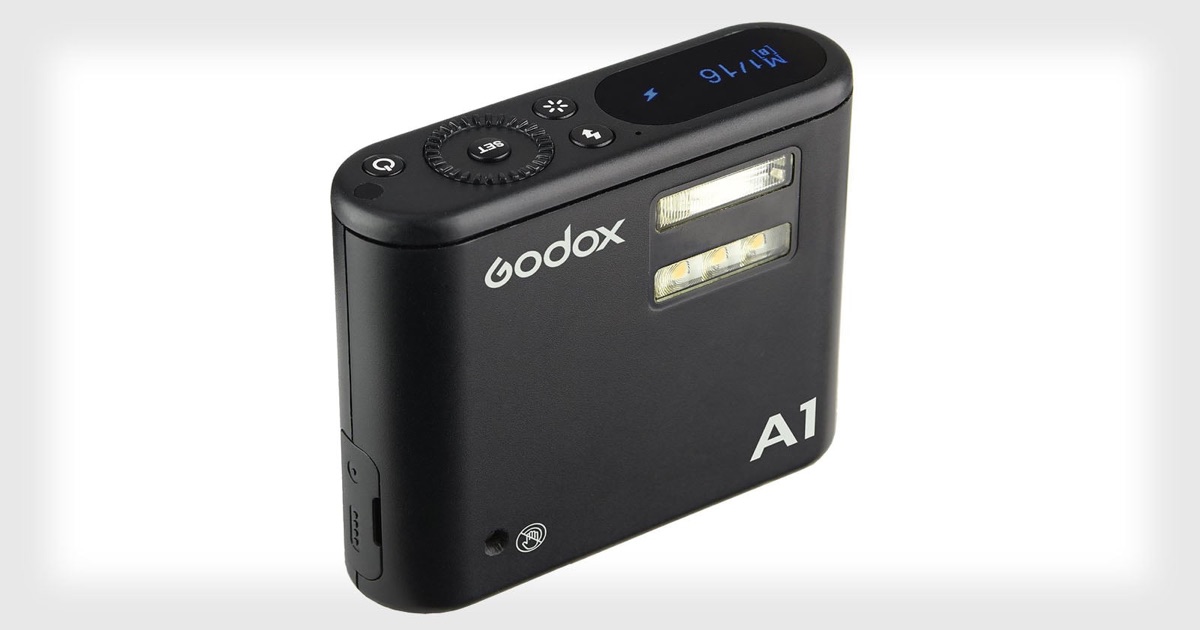
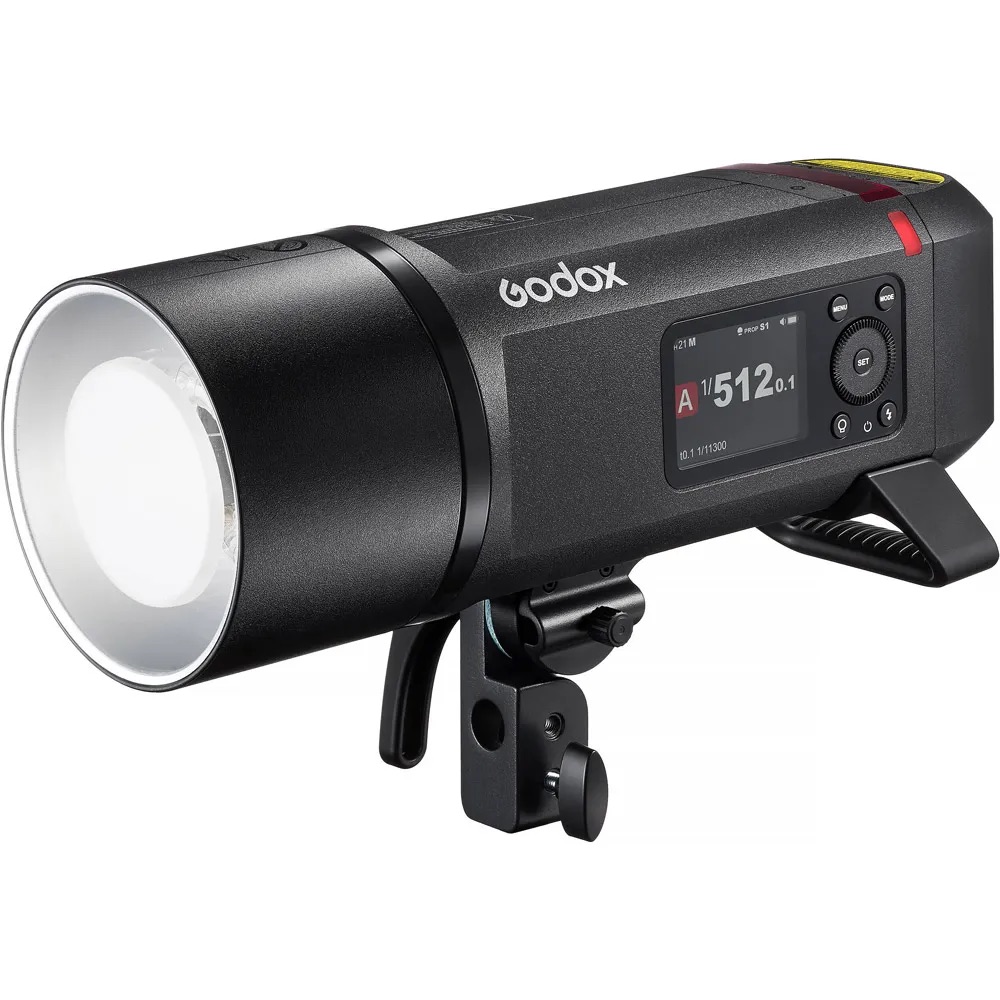
The plan was a chain of three devices. Our iPad app tells the A1 to fire over Bluetooth. The A1 fires its own little flash and, more importantly, sends Godox's 2.4 GHz radio signal to the big strobe.
Godox makes a phone app that can fire the A1, but there's no published way for anyone else's app to do it. So the first job was to learn the A1's language.
Step 1: Listening in on the A1
Apple has a developer tool that records every Bluetooth message going in and out of a device. We recorded Godox's own app connecting to the A1 and firing it a few times, then read through the recording.
The good news was that the A1 speaks in short plain-text messages, not scrambled ones. Once we could see the conversation, the pattern was clear:
- A hello. The app says it wants to talk.
- A login. The app sends the A1's password. Godox ships every unit with the same default one.
- A "ready" reply. The A1 answers that the session is open. Nothing works before this.
- Fire. One short command, and the A1 flashes and acknowledges it. It also reports its battery level.
Every message carries a counter that just has to keep going up. The A1 doesn't care what the number is, only that it's new.
Step 2: Connecting from our own app
With the conversation written down, our app could play the part of the Godox app. It scans for the A1, connects, goes through the hello, login and ready steps, and from then on can fire it on demand. A small "A1" badge on screen shows the state: grey for not connected, orange while it's logging in, green when it's ready.
One lesson from this step: the A1 only talks to one app at a time. If Godox's own app is still connected, ours can't find it.
Pressing a button on the iPad and watching a studio strobe go off across the room was a great moment. Then we tried to take a picture with it.
Step 3: The hard part, the picture
A DSLR fires its flash through an electrical contact at the exact moment the shutter is open. An iPad has nothing like that. The flash has to be fired over Bluetooth at the right moment, and the camera gives no signal for when that moment is.
Attempt 1: a slower shutter. Bluetooth adds a delay of roughly 30 to 50 milliseconds, so we slowed the shutter to give the flash time to arrive. It helped sometimes. But many photos still came out warm and orange, lit by the room lights, with no flash in them at all.
Attempt 2: fire early. We started firing the flash before the shutter press, to get ahead of the delay. The best we could do was about one photo in two. That isn't good enough when a family is waiting.
What was really going on. We logged the exact timing of every shot and saw the real problem. When you press the shutter, the iPad doesn't start a new exposure. It hands back a frame it was already taking, and sometimes that frame came from before the camera had even switched to our flash settings. No flash timing can fix that, because the frame has often finished before you ask for it.
The breakthrough. We stopped asking for a normal photo. A flash shot is now a one-photo "bracket" at a fixed manual exposure (1/8 s at ISO 50). A bracket forces the iPad to start a fresh frame at exactly those settings. That fresh frame turned out to start at a very steady time: about 405 milliseconds after the shutter press, give or take 10.
Once the start time was steady, timing became simple arithmetic. The app fires the A1 at 385 milliseconds, so the Bluetooth delay brings the flash in just as the frame opens.
Fire just before the frame opens, and the Bluetooth delay brings the flash in right on time. A small slider in the app fine-tunes it.
One last catch. The first flash photo after the app had sat idle for a while still missed. In that case the iPad took about two seconds longer to get ready. The fix was to keep the bracket "warmed up": the app prepares it at start, when the A1 connects, when settings change, after every photo, and every few seconds while waiting.
The results
Telling a hit from a miss is easy by eye. A flash-lit photo has clean, neutral whites. A miss has the warm orange cast of the room lights. The app checks every photo's brightness and keeps a timing log, so if the hit rate ever drops we can see exactly why.
What we took away
- "Impossible" often means nobody looked closely. The camera wasn't the problem. Not knowing when the frame really started was.
- Measure before guessing. Firing earlier and earlier went nowhere. Logging every shot's timing showed the real cause.
- Make the hardware predictable. We didn't need a faster flash. We needed the camera to start its frame at the same time every shot.
The iPad station is now part of our EventPrint photo system, alongside the Canon DSLRs, for events where a simple iPad-and-strobe setup is all you need.